What Is the ABHA Card?
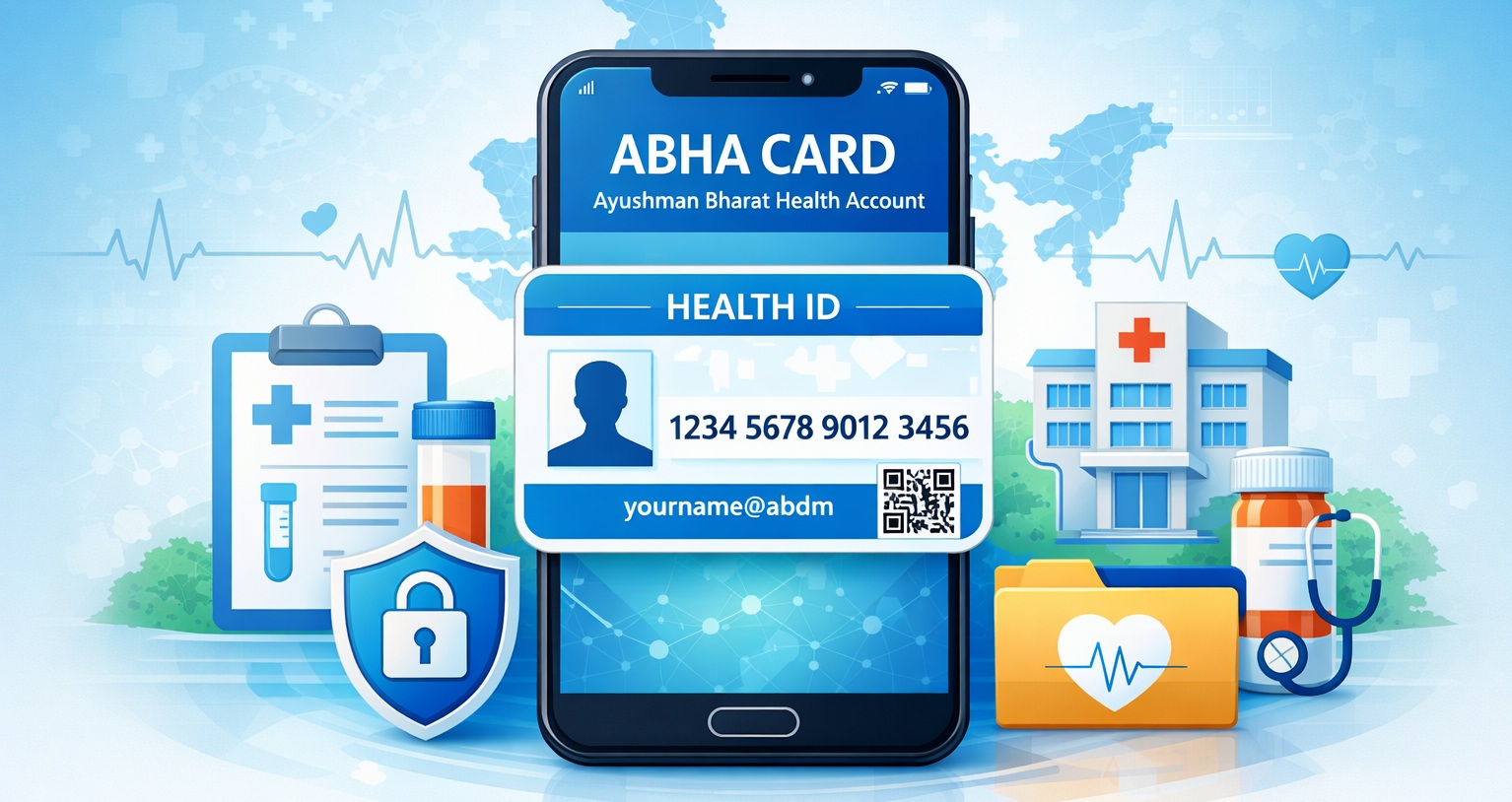
The ABHA Card, also called the Ayushman Bharat Health Account, is India’s official digital health ID system. It allows citizens to store, access, and share medical records digitally using a unique health identifier. Unlike traditional paper records maintained separately at hospitals and clinics, the ABHA ID centralizes all medical information securely and allows authorized providers to access it with your consent.
This guide covers everything you need to know about the Card: what it is, who can register, how to create it, how it works, its benefits, adoption trends, tips, and frequently asked questions. We’ll also explain how it complements programs like PMJAY for better healthcare access.
Why the ABHA Card Was Introduced
India’s healthcare system involves multiple hospitals, labs, and clinics, each maintaining separate patient records. Patients often face difficulties accessing complete medical histories, particularly in emergencies or when visiting new facilities.
This Card was introduced under the Ayushman Bharat Digital Mission (ABDM) to address these challenges. Its objectives include:
- Centralizing health records in a secure, digital format (ABHA Card Portal)
- Reducing duplication of tests and paperwork
- Enabling consent-based sharing between hospitals, labs, and doctors (ABDM Overview)
- Improving coordination for faster and informed medical decisions
- Enhancing continuity of care across different healthcare providers
In simple terms, the ABHA Card functions like a digital health passport, ensuring your medical information follows you wherever you go in India.
Who Can Register for an ABHA Card?
The ABHA Card is available to all Indian citizens, including children (registered under parental supervision). Registration is voluntary, but it is highly recommended for anyone looking to manage their medical records digitally.
To register, you need:
- Aadhaar number
- Mobile number linked to Aadhaar
- Other government-approved identity documents
Registration is free, and each individual receives a unique ABHA ID (ABHA card Portal).
Step-by-Step Guide to Creating an ABHA ID
Creating an ABHA ID is simple and can be done via desktop or mobile app. Here’s a detailed walkthrough:
Step 1: Visit the Official Portal
Go to the Ayushman Bharat Digital Mission portal.
Step 2: Enter Aadhaar or Mobile Number
Provide your Aadhaar number or the mobile number linked to Aadhaar. Ensure your details match government records.
Step 3: Verify Identity
An OTP will be sent to your registered mobile number. Enter it to confirm your identity.
Step 4: Choose Your ABHA Address
Select a unique ABHA address (for example, yourname@abdm). This acts as a username for sharing medical records. Pick something easy to remember but secure.
Step 5: Save or Download Your ABHA ID
Your ABHA ID includes a 14-digit health number and your ABHA address. Save it digitally and print a copy if needed (ABHA Portal).
Step 6: Link Medical Records
Once registered, you can link lab results, prescriptions, vaccination history, and other medical documents to your ABHA profile.
Understanding ABHA Card Elements
- ABHA Number: 14-digit unique health identifier
- ABHA Address: Functions like a username for sharing health records
- Consent Management: You control which doctors and hospitals can access your data
How the ABHA Card Works
Access Medical Records
Doctors and patients can access linked health information anywhere in India, saving time and reducing repeated tests.
Secure Sharing
Records are shared only after your explicit consent, ensuring data privacy.
Multiple Devices
Access the ABHA ID from smartphones, tablets, or desktop computers.
Family Health Management
Parents can create ABHA IDs for children, keeping all family health records in one place.
ABHA Card and Other Health Programs
The Card is designed to work seamlessly with other healthcare programs:
- PMJAY (Pradhan Mantri Jan Arogya Yojana): Quick verification of eligibility for free or subsidized treatment (PMJAY Guide)
- Those eligible under PMJAY can also refer to this guide to download the Ayushman Card easily.
Read more: on how to download the Ayushman Card - Telemedicine Consultations: Doctors can access patient history remotely
- Vaccination Tracking: National immunization records can be linked
- Wellness Programs: Digital health records can help in preventive care programs
This integration reduces repeated tests, streamlines patient care, and ensures faster medical decisions.
Real-Life Use Cases
- Traveling to a New City: Share ABHA ID to provide doctors instant access to medical history
- Emergency Situations: Quick retrieval of vaccination and prescription history saves critical time
- Multiple Specialists: Centralized records prevent repeated tests and ensure coordinated treatment
- Telemedicine Consultations: Doctors can access linked records for accurate virtual consultations
- Chronic Illness Management: Track ongoing treatments and lab results over time
- Elderly Care: Caregivers can manage multiple health records for dependents
Tips for Using the ABHA Card Safely
- Keep your mobile secure since OTPs are required for access
- Share records selectively with doctors who need them
- Update information regularly to maintain accurate records
- Link family members’ records for a complete health overview
- Use official apps or portals to prevent phishing or fraud
Key Benefits of the ABHA Card
- Centralized Health Records: One location for all medical history (ABHA Portal)
- Consent-Based Sharing: You control who can access data
- Accessibility Across India: Use at multiple hospitals and labs
- Data Security: Encrypted and safe
- Interoperability: Works across multiple apps and facilities
- Family Health Management: Manage dependents’ records
Limitations of the ABHA Card
While the ABHA Card improves healthcare management, it does not:
- Provide health insurance or pay for treatment (ABHA Portal)
- Guarantee free treatment
- Cover hospitals not registered in the ABDM ecosystem
For insurance support, see the Ayushman Bharat PMJAY Scheme Guide.
ABHA Card Adoption and Statistics
- Over 50 million ABHA IDs generated nationwide
- Integration with urban hospitals is steadily increasing
- Mobile app adoption is growing by 30% annually
- States are expanding adoption to rural health centers
This demonstrates the government’s commitment to digital health infrastructure and increased accessibility for citizens.
Future Possibilities
- Integration with wearable devices for real-time health monitoring
- Linking with telemedicine platforms for remote consultations
- Multi-language portal adoption to improve accessibility
- Potential integration with insurance claims for faster reimbursements
Frequently Asked Questions (FAQs)
Q1: What is an ABHA ID?
A: A digital health identity to manage and share medical records online (ABHA Portal).
Q2: Is ABHA registration mandatory?
A: No, but some hospitals request it for smoother patient intake.
Q3: Can children have an ABHA ID?
A: Yes, parents can create ABHA IDs for their children.
Q4: Does the ABHA Card provide insurance?
A: No. For coverage, see PMJAY Guide.
Q5: Are records secure?
A: Yes, all data is encrypted and shared only with your consent.
Q6: Can private hospitals use ABHA?
A: Yes, if registered under ABDM (ABHA Portal).
Q7: What if I lose my ABHA ID?
A: You can retrieve it using the registered mobile number or deactivate the old ID.
Q8: Can ABHA IDs be updated?
A: Yes, personal information, linked records, and consent settings can be updated anytime.
Q9: Can foreigners register?
A: Currently, ABHA IDs are limited to Indian citizens.
Q10: How to link lab reports?
A: Approved labs and hospitals can link reports directly with your consent (ABHA Portal).
Q11: How to download ABHA Card on DigiLocker?
A: Log in to DigiLocker with your Aadhaar and link your ABHA ID to download your health card digitally (ABHA Portal).
Q12: Can ABHA ID be used for telemedicine consultations?
A: Yes, doctors can access linked records remotely with your consent (ABHA Portal).
Q13: Why was my ABHA ID created automatically?
A: Government initiatives sometimes generate ABHA IDs using Aadhaar-linked mobile numbers. You can verify and manage it via the official portal (ABHA Portal).
Q14: How to update ABHA ID linked records?
A: Log in to your ABHA profile to update medical records, contact info, or consent settings (ABHA Portal).