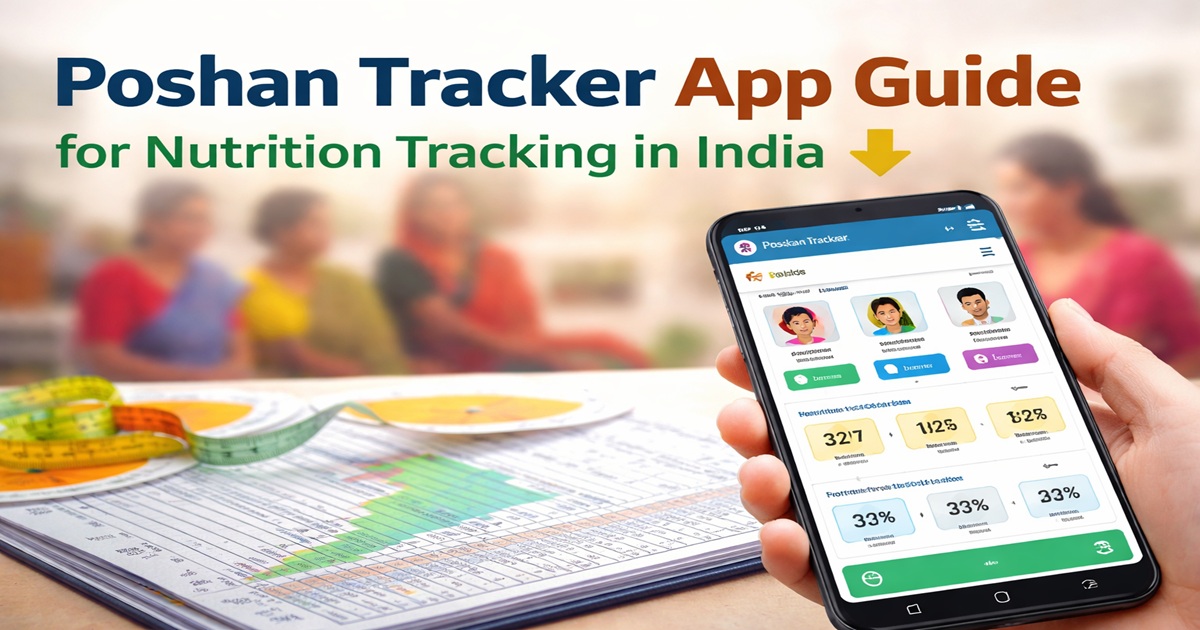
Poshan Tracker App Guide for Nutrition Tracking in India 2026 — The Poshan Tracker app is a digital platform designed to help frontline workers, supervisors, and program managers monitor child and maternal nutrition efficiently. This guide provides step-by-step instructions for downloading, installing, and using the app, ensuring that nutrition services are tracked accurately and effectively.
What Is Poshan Tracker App
The Poshan Tracker app is part of the POSHAN Abhiyaan program and replaces paper-based records with a digital platform. It helps track growth measurements, supplementary nutrition, immunizations, and counseling sessions. The app is mainly used by Anganwadi workers, supervisors, and officials at block, district, and state levels. By digitizing records, the app ensures faster reporting, better data accuracy, and improved program monitoring.
How to Download and Install the Poshan Tracker App
- Download the App
- Visit the official government site or Google Play Store.
- Search for “Poshan Tracker” and tap “Install.”
- Check Device Requirements
- Android smartphones or tablets are required.
- Minimum Android version 5.0 or higher is recommended.
- Install and Open
- Once downloaded, open the app.
- Accept permissions for storage and location if prompted.
Creating an Account and Logging In
- Obtain Credentials
- Registered users receive credentials from their district authorities.
- Login Process
- Enter your username and password.
- Select your role (worker, supervisor, or manager).
- Tap “Login” to access the dashboard.
- Troubleshooting Login Issues
- Verify credentials with your block supervisor if login fails.
- Ensure the device has a stable internet connection during the first login.
- Reinstall the app or clear cache if problems persist.
Using the Poshan Tracker App
- Add Beneficiary Profiles
- Tap “Add Child” or “Add Mother.”
- Enter details like name, age, height, weight, and pregnancy or lactation status.
- Double-check all information before saving to ensure accurate tracking.
- Record Nutrition Services
- Update supplementary nutrition received.
- Record counseling sessions and immunizations.
- Set reminders for follow-ups to ensure timely services.
- Offline Mode
- Enter data offline in areas with poor internet connectivity.
- Data automatically syncs once the device reconnects to the internet.
- Access Dashboards and Reports
- Supervisors can view block, district, and state-level dashboards.
- Generate and export reports to monitor growth trends and identify coverage gaps.
- Use visual charts to track height, weight, and nutrition service coverage effectively.
Tips for Effective Use
- Update beneficiary profiles immediately after field visits.
- Ensure accurate height and weight measurements.
- Utilize the reminder feature for follow-up visits.
- Encourage parents to review nutrition records to improve awareness and participation.
- Regularly clear cache or restart the app to maintain performance.
- Avoid duplicate entries to prevent data errors.
- Take photos of any growth charts if the app allows, for quick reference.
Common Errors to Avoid
- Not syncing data after offline entry.
- Entering incorrect birth dates or measurement units.
- Skipping follow-up reminders, causing missed nutrition services.
- Using outdated app versions — always update regularly.
- Check for the update notification for this Poshan Tracker App in your Phone
Read our article on POSHAN Abhiyaan and Nutrition Programs in India to understand broader nutrition initiatives.
Learn more about Poshan Tracker from the official government site.
FAQs: Poshan Tracker App Guide for Nutrition Tracking in India
Q1. Is Poshan Tracker free?
Yes, the Poshan Tracker app is completely free of cost. It is provided by the Government of India for frontline workers, supervisors, and program managers involved in child and maternal nutrition programs. Users do not need to pay any subscription or fees to access the app.
Q2. Who can access the app?
Access to the Poshan Tracker app is limited to registered users with official credentials. This includes Anganwadi workers, supervisors at block and district levels, and program managers. Unauthorized users cannot view or update beneficiary data, ensuring secure and accurate information management.
Q3. Can parents see records?
Yes, parents and caregivers can view their child’s basic nutrition records through authorized channels. This feature increases transparency, allowing families to check growth measurements, supplementary nutrition received, and immunization status. It also encourages active participation in the child’s nutrition program.
Q4. Which devices are supported?
The app works on Android smartphones and tablets. It also includes an offline mode, allowing frontline workers to enter data in areas with poor or no internet connectivity. Once the device reconnects to the internet, the data automatically syncs to the central system.
Q5. Does the app track immunizations?
Yes, the Poshan Tracker app integrates immunization tracking along with nutrition services. Frontline workers can record immunization details for children and pregnant or lactating mothers. This integration ensures that both nutrition and vaccination data are captured in one system, simplifying monitoring and reporting.
Q6. Are updates provided for the app?
Yes, the app receives regular updates from the government. These updates improve app performance, add new features, and enhance data security. Users are encouraged to keep the app updated to ensure access to the latest functionalities and smooth operation in the field.
Q7. Can data be edited once entered?
Yes, users with appropriate access can update records if errors are detected. However, it is important to maintain accuracy, as all changes are logged and can be reviewed by supervisors. Proper training on data entry helps minimize the need for edits.
Q8. How does offline data entry work?
In remote areas with limited connectivity, frontline workers can enter data offline. The app stores the data locally and automatically syncs it to the central server when the device connects to the internet. This ensures no information is lost due to connectivity issues.
Q9. Is the app available in local languages?
Yes, the Poshan Tracker app supports multiple local languages. This helps frontline workers across different states of India use the app easily and ensures accurate data entry even in regions with language barriers.